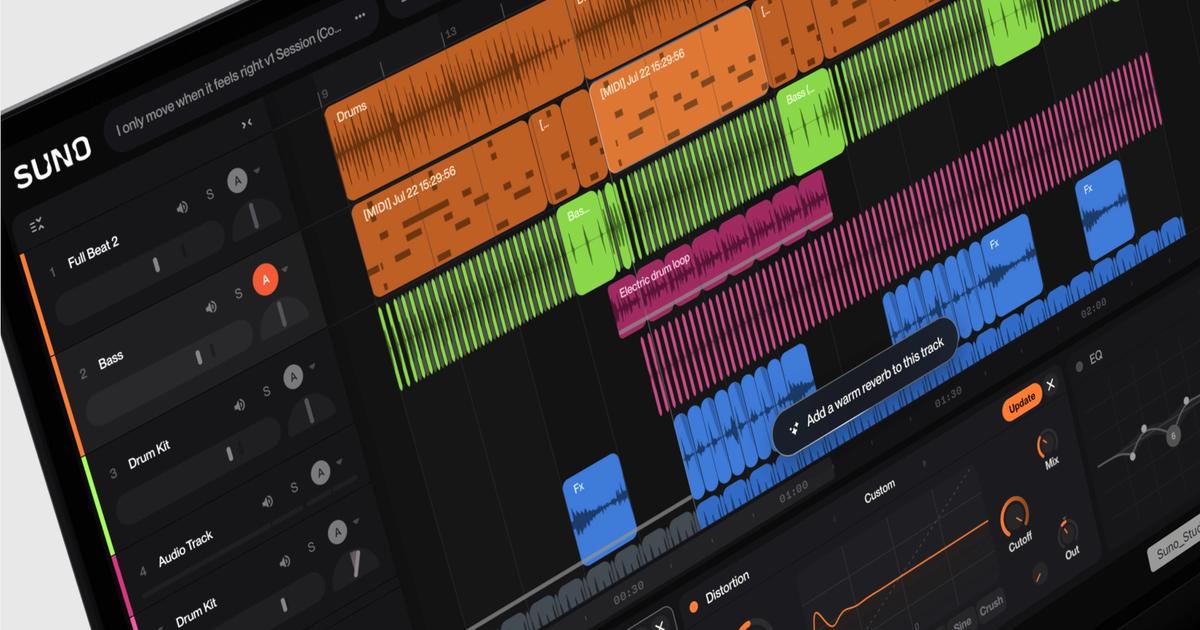
Suno Create at a glance
A .mid file dropped into Suno's Create page can now be the starting point of a song; a text prompt decides whether Suno follows the notes closely or develops a motif, using v6-wild in Simple mode at launch.
What changed with Suno Create
On November 4, 2026, Suno added MIDI input to its Create page. Pro and Premier subscribers can drag a .mid or .midi file onto Create or pick MIDI from the plus menu, then use a natural-language prompt to tell Suno whether to follow the file's notes closely or use a motif from it as the basis for new material.
Because MIDI holds notes and timing but no audio, the sound depends on how Suno performs the part. At launch, MIDI works in Simple Create mode with the v6-wild model, and Suno says it plans to expand the feature. Earlier this year, Studio 2.0 brought MIDI editing to Suno's workstation for Premier users; this release brings MIDI to the main song generator.
Why Suno Create matters for businesses
For agencies producing jingles, hold music, or branded audio, a MIDI melody gives far more control than a text prompt alone, so a client's existing sonic logo can be rearranged in different styles. Commercial use still depends on your Suno plan terms, and you should own or license any melody you upload.
Sources for this story
- Start Songs with MIDI (opens in a new tab)Official
Suno · suno.com
Last verified: . IA Compa summarizes public announcements for business readers. We are not affiliated with the companies mentioned. Always confirm details, pricing, and availability with the official source.
- #suno
- #music-generation
- #midi
- #v6