Gemini app at a glance
Gemini users can create files such as PDFs, Docs, Sheets, slide decks, Markdown and code, open them full screen, type edits directly or ask Gemini to refine them. Google says it is available to all users; only PDFs work on mobile.
What changed with Gemini app
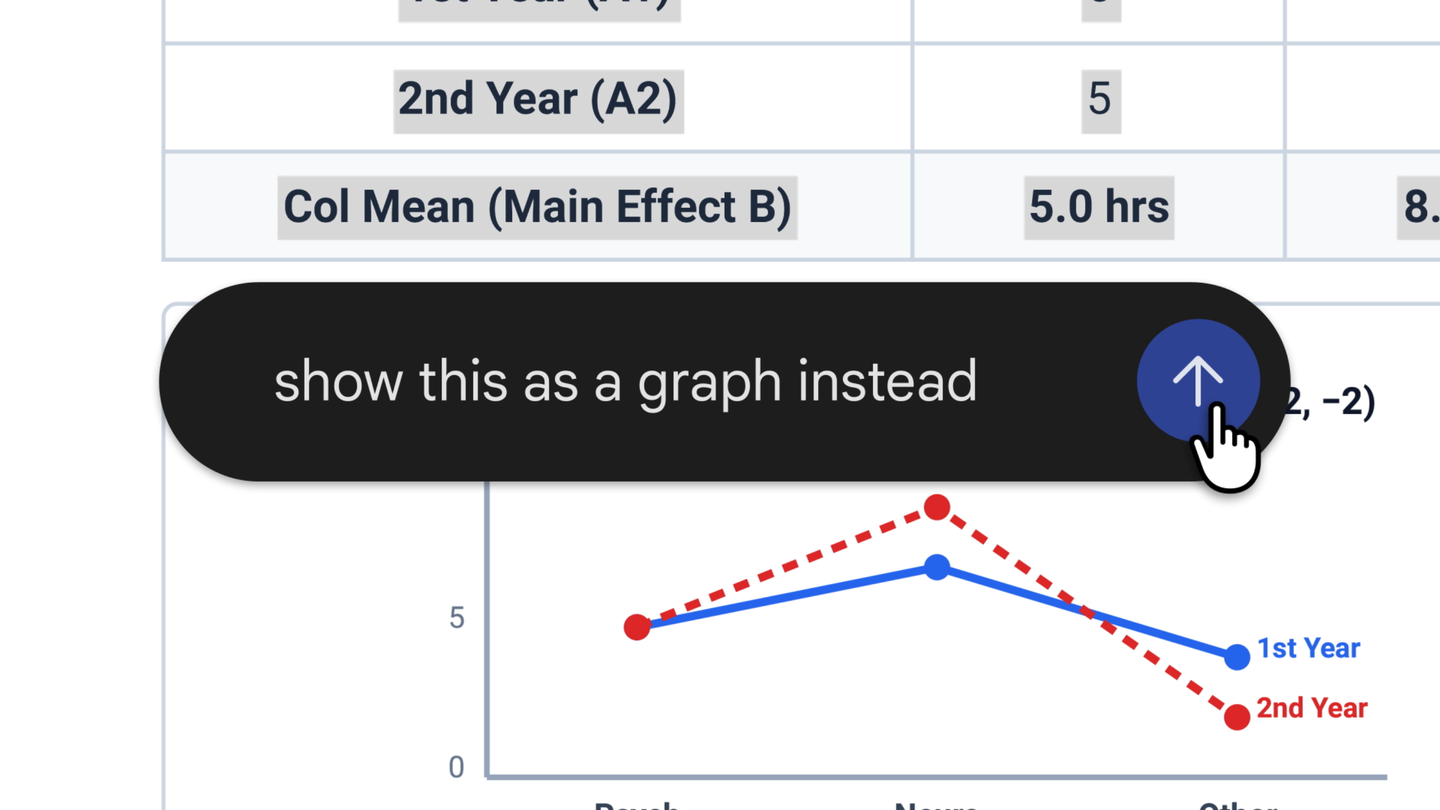
On October 29, 2026, Google announced that the Gemini app can generate, preview and edit files inside the conversation. Supported formats include PDFs, Google Docs, Google Sheets, slide decks, Markdown, plain text and code. Users can expand a file to full screen, type edits directly, highlight text to ask about it, or ask Gemini to revise the file.
Google says the feature is available to all users in every language and region where the Gemini app is offered, with no paid plan mentioned. PDF preview and editing work on web and mobile; the other formats are web only for now.
Why Gemini app matters for businesses
For small businesses, this turns Gemini into a quick drafting tool for proposals, price sheets and short presentations without switching apps. Agencies should still review numbers and claims in any generated file before it reaches a client, and keep source data in the client's own Docs or Sheets rather than only in chat.
Sources for this story
- You can now generate, preview, and edit documents, PDFs, presentations, spreadsheets, and more directly in Gemini (opens in a new tab)Official
Google · blog.google
Last verified: . IA Compa summarizes public announcements for business readers. We are not affiliated with the companies mentioned. Always confirm details, pricing, and availability with the official source.
- #gemini
- #gemini-app
- #documents
- #productivity