Compa Platform
See the work being done for you.
When IA Compa or your agency builds for your business, this is where you watch it run. Every automation, AI agent and campaign shows its status and recent results, and you can pause it, ask for a change or ask a question right there.
Access is included with your IA Compa project or your agency's plan.
How it works
Four steps from your invite to steering the work yourself.
Get your invite
IA Compa or your agency sets up your account and invites you with your email address.
Log in
Use Client login. You land in your own walled account, with just the areas you were given.
See the work
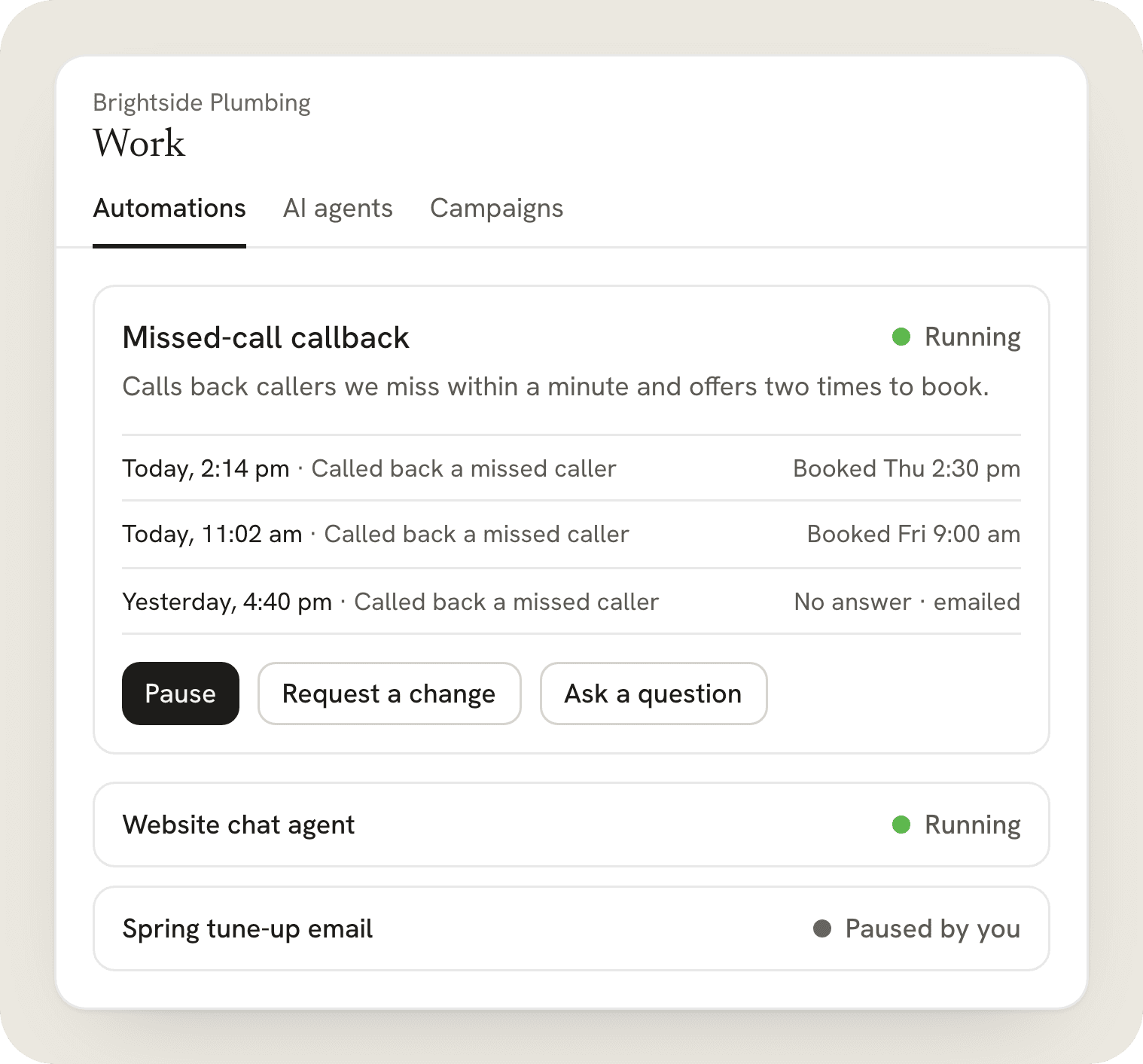
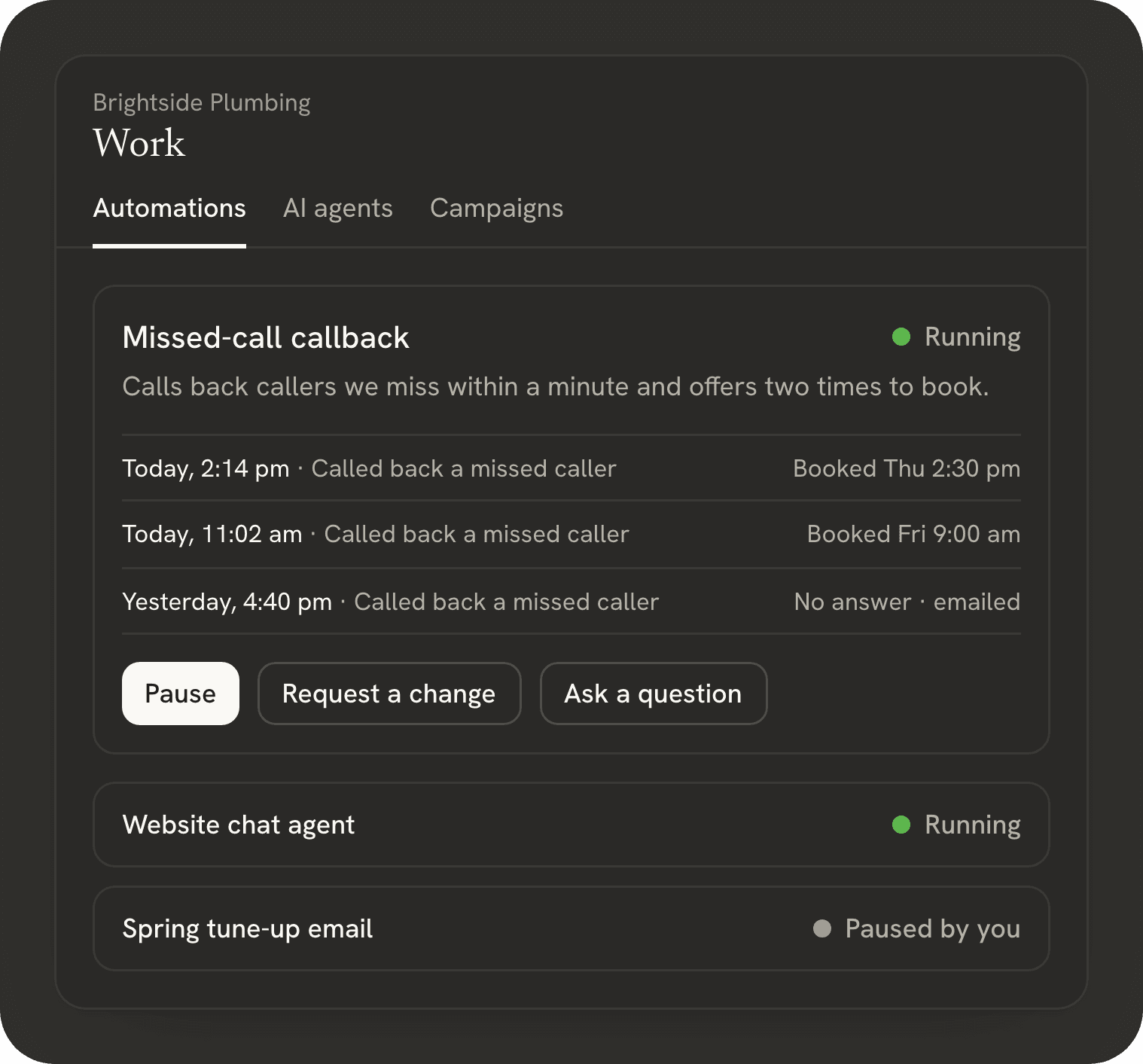
Open Work to see each automation, AI agent and campaign: what it does, whether it is running and what it did lately.
Steer it
Pause anything, request a change or ask a question right on the item, and check the reports whenever you want.
Everything running for your business, in one list.
Open Work and you see each automation, AI agent and campaign set up for you: what it does, whether it is running, and what it did lately. Every item keeps its own history, so you can see when it was built, when it was turned on and every change since.
- Automations
- Missed-call callbacks, review requests, appointment reminders: each one with its status and its latest runs.
- AI agents
- Your website chat agent and voice agent, with recent conversations and the questions they passed to your team.
- Campaigns
- Email campaigns, with when they went out and who they went to.
You stay in control.
Three buttons on every item. Each one goes straight to the team that built it.
Illustration. Fictional business. Stop or pause it
Pause any automation, agent or campaign with one button. It stops right away and stays paused until it is turned back on.
Illustration. Fictional business. Request a change
Describe what should be different, right on the item: new wording, another schedule, a different person to notify. The request goes to the team that built it, and you can follow its status.
Illustration. Fictional business. Ask a question
Not sure why something happened? Ask on the item itself. The question keeps its context, and the answer comes back in the same place.
See what the work is doing.
Reports show leads, conversations, bookings and automation runs for any date range, so you can judge the work by what it does. Pick the last 30 days before a check-in with your agency, and you both look at the same numbers.
Your business, behind its own walls.
Other businesses and other agencies can't see into your account. When IA Compa needs to look inside to help, you can see exactly when and why.
- Client accounts are walled
- A client account is closed to every other account. Agencies see only their own sub-accounts, and a client's users see only their own business.
- “Login As” is logged and time-limited
- IA Compa can open a client account only with Login As. Every change during the session is logged under that person's name, and the session ends on its own after an hour. It appears in the client's own history.
- Export any time
- Export your contacts and opportunities whenever you want, as a CSV file you keep.
- Deletion on request
- Ask us to delete your account's data, and we'll remove it.
Included with your project
There is no separate price for clients. Your access comes with your IA Compa project, or with your agency's plan if an agency manages your account.
Client questions
How do I get access?
Your account comes with your IA Compa project, or from your agency if it manages your business on Compa Platform. Use Client login with the email address you were invited with.
What can I see in my client portal?
Everything running for your business in your own sub-account: each automation, AI agent and campaign, whether it is running, what it did lately and its history, plus reports on leads, conversations, bookings and runs.
Who answers my questions and change requests?
The team that built the work: IA Compa, or your agency if it manages your account. The answer comes back on the same item, so it keeps its context.
Do I pay for the platform?
No. There is no separate price for clients: your access comes with your IA Compa project, or with your agency's plan if an agency manages your account.
What does the usage meter mean?
It shows how much of this month's usage your account has used, from 0 to 100%: AI, plus calls and email if your plan includes them. If it gets close to 100%, IA Compa or your agency can top it up, and it refreshes each billing month.
Which AI does my business use?
Each AI agent runs on the model chosen for your account. Gemini Flash is the default; others include Claude, ChatGPT and Grok. Ask on the agent if you want to know which one it uses or want to try another.
Can it handle my calls and email?
Yes, if your project includes them. A voice agent can answer and return calls and book appointments, and email covers replies and campaigns. Each call and email shows up in the contact's history.
Can my staff log in too?
Yes. Each person on your team can have their own login, with access to just the areas they need, like conversations and calendars for the front desk.
Can IA Compa see inside my account?
Your account is walled off from every other business. IA Compa can look inside only through Login As. Every change during the session is logged under that person's name, the session ends on its own after an hour, and it appears in your account history.
Can I take my data with me?
Yes. Export your contacts and opportunities whenever you want, as a CSV file you keep. If you want your account's data deleted, ask us and we'll remove it.
Want this for your business?
Tell us what you want handed off. We build it, and you watch it run in Compa Platform.