Compa Platform
One platform instead of a stack of tools.
Compa Platform puts a service business's contacts, conversations, calendars, automations, AI agents, email, forms, payments and reports in one place. IA Compa runs it, agencies manage their clients on it, and every business sees the work being done for it.
Already have an account?Agency loginClient login
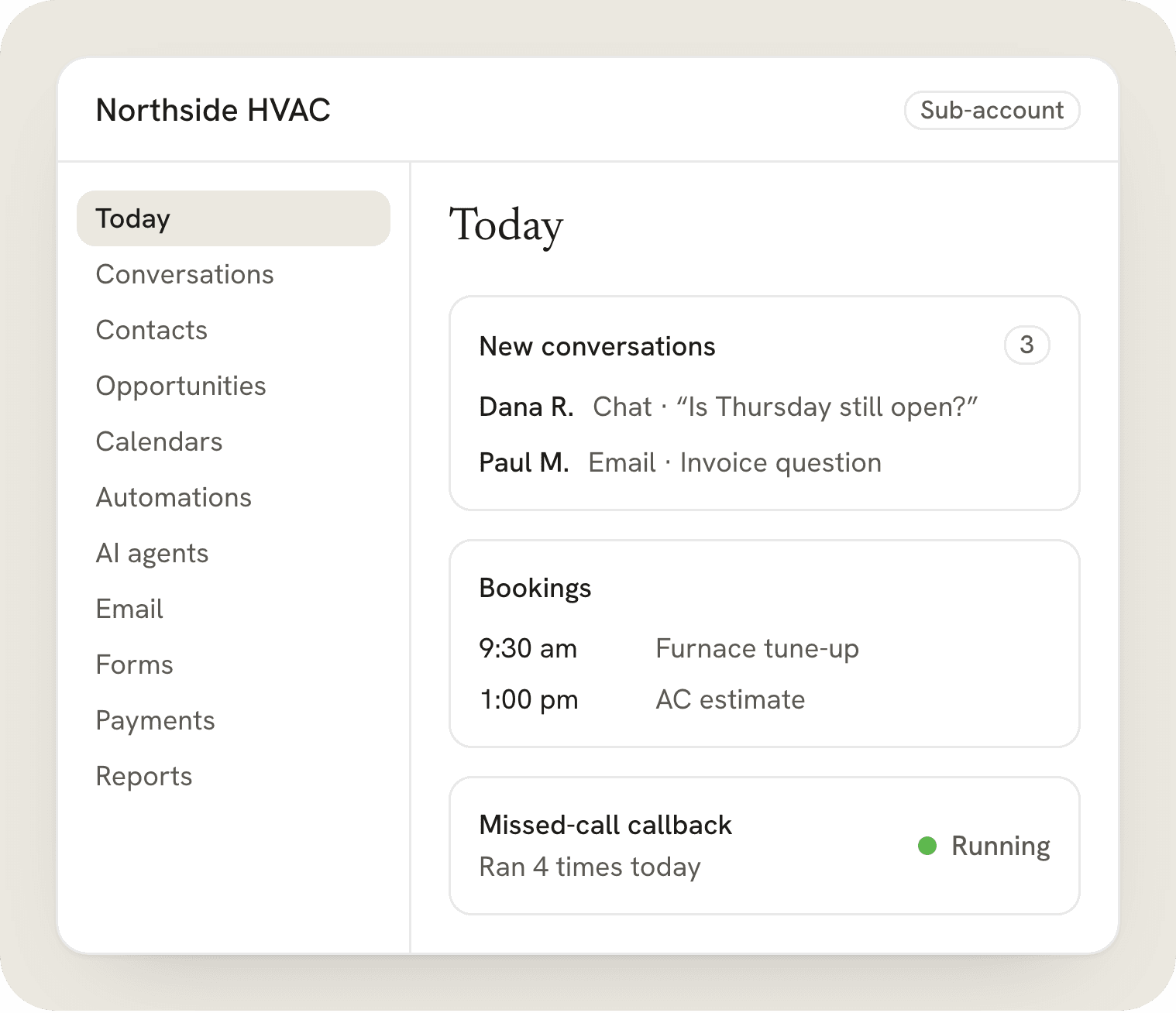
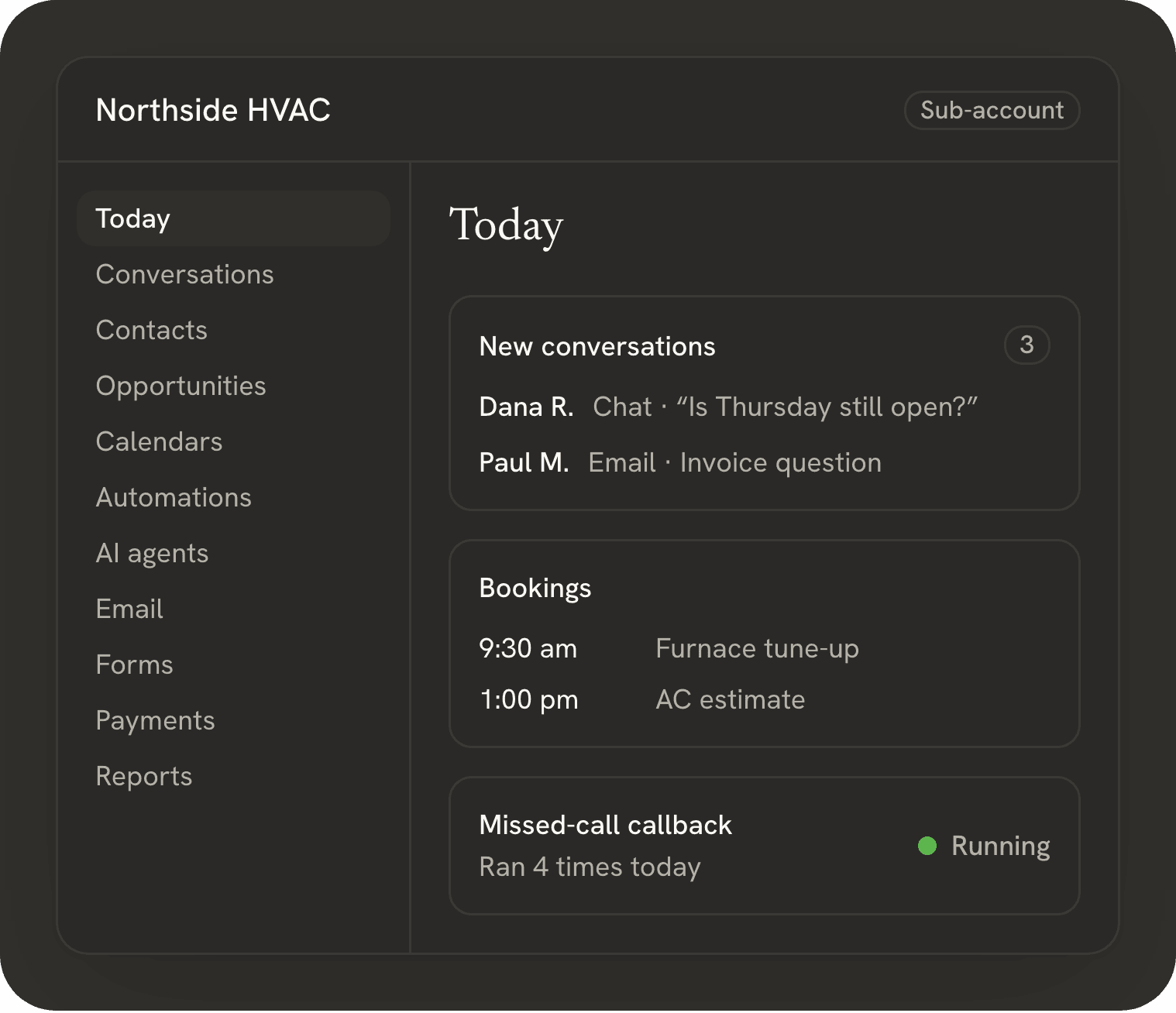
Four levels, top to bottom.
Every account sits at one of these levels, and each one has its own data, its own users and its own walls. A business sees only its own sub-account, an agency sees only its own clients, and IA Compa keeps the whole platform running.
Platform
IA Compa runs it
IA Compa keeps the platform running, secure and up to date, ships new features, and supports every agency and business on it.
Agencies
Manage their clients
An agency account holds the agency's clients as sub-accounts. From one Agency view it moves between them, decides what each one can use, and manages its own team.
Clients
The businesses the work is for
A business that IA Compa or an agency works for. Its people log in to see the work being done for them, and its account is walled off from every other.
Sub-accounts
Where each client's work lives
Each client business works in its own sub-account: a separate workspace with its own contacts, phone numbers, calendars, automations and users. An agency holds one per client; IA Compa holds one for each business it works with directly.
Everything a service business runs on.
Compa Platform is a CRM and automation platform for agencies and the businesses they serve. Here is what is inside, module by module, with who each part is for and an example. Agencies and IA Compa can turn each module on or off for each account.
Contacts and opportunities
Everyone who calls, emails, chats, books or fills out a form becomes one contact with one history. Opportunities move through pipelines you design, so you can see every deal, its stage and what it is worth.
- Who it's for
- Owners, front desks and sales teams who need every customer and every job in one place.
- Example
- A homeowner fills out Northside HVAC's quote form. The form creates the contact, opens an opportunity in New lead and gives the estimator a follow-up task.
Custom fields, tags and notes on every contact
Pipelines with your own stages
Tasks and follow-ups, assigned to a person
One inbox for email and website chat
Emails and website chats land in one conversation per contact. Your team answers from one screen, and the AI agent can reply first and hand the conversation to a person.
- Who it's for
- Front desks and small teams who answer customers all day, by email and on the website chat.
- Example
- A customer asks on the website chat whether Thursday is still open. The AI agent offers two times, the customer picks 9:30, and the booking is assigned to Chris on the team.
Assign a conversation to a teammate
See the whole history before you reply
Take over from the AI agent at any time
Automations you can see, built from plain words
Build automations on a visual canvas: a trigger, then steps, waits and branches. Or describe what you want in a sentence, and the AI builder lays out the steps for you to review before anything turns on.
- Who it's for
- Anyone who repeats the same follow-up by hand, from a one-person business to an agency with dozens of clients.
- Example
- Type “When we miss a call, have the voice agent call back within a minute and offer two times to book.” The builder lays out the trigger, the wait, the call and the follow-up email for you to review.
Triggers from forms, calls, emails, chats, bookings and payments
Every run is logged, step by step
Nothing goes live until you turn it on
Choose your AI
Claude, ChatGPT, Gemini, Grok and more. You choose which AI models each client account can use.
- Who it's for
- Small businesses that want AI agents answering their chats and calls, and agencies that run those agents for many clients.
- Example
- Northside HVAC's website chat agent runs on Gemini Flash, the default, and quick jobs like tagging new contacts run on Claude Haiku. Each choice is set in that client's own sub-account.
Allow or block each model per client account
Pick the model each AI agent runs on
Also in the platform
- AI chat agents
- AI agents for small business, on your website chat and email: they answer from your own information, book appointments and pass the hard questions to your team, on the AI model you choose.
- Voice AI
- Voice AI that answers calls, takes messages, books appointments and makes the follow-up calls you set up, with a summary of every call in the contact's history.
- Calendars and booking
- Booking pages and calendars for each person or team. Customers pick a time, get reminders and can reschedule without calling.
- Email marketing
- Newsletters and campaigns to your contacts, with templates, lists built from tags, and an unsubscribe link on every email.
- Forms
- Forms and surveys for your website that create the contact, start an automation and tell the right person.
- Payments and invoices
- Send invoices and payment links, take payments, and see what is paid and what is still open.
- Reports
- Leads, conversations, bookings, automation runs and revenue for any date range, for one account or all of them.
- Permission switches
- Give each person exactly what they need: one switch per area, plus “Only assigned data” to show them only the contacts and conversations assigned to them.
Fictional workflow example
Watch an automation run, step by step.
Every run is logged, so you can always see what happened and why. Here a missed call starts the automation: the voice agent calls back within a minute, books the job, emails the confirmation and logs the call in the CRM.
This interactive example illustrates a possible workflow. It is not a live client system or a promise of results.
- Phone lineMissed call at 2:12 PM
- WaitWait 1 minute
- Voice AICall the caller back
- BranchDid they book?
- EmailEmail the confirmationyes
- EmailEmail in 2 hoursno
- CRMLog the call
Execution log
Press Run to watch it work. Click any node to see what it does.
Your account has walls. Your data stays yours.
Agencies, clients and IA Compa each see only what belongs to them. When IA Compa has to look inside a client account to help, the client can see that it happened.
- Client accounts are walled
- A client account is closed to every other account. Agencies see only their own sub-accounts, and a client's users see only their own business.
- “Login As” is logged and time-limited
- IA Compa can open a client account only with Login As. Every change during the session is logged under that person's name, and the session ends on its own after an hour. It appears in the client's own history.
- Export any time
- Export your contacts and opportunities whenever you want, as a CSV file you keep.
- Deletion on request
- Ask us to delete your account's data, and we'll remove it.
Two ways in.
For agencies
Manage every client from one Agency view, give each sub-account its own features and usage cap, and roll out the automations that work to every new client.
Starter, Pro, Agency and Custom plans
From 5 users on Starter to unlimited on Agency, counted across all sub-accounts
For clients
Your client portal: log in and see the automations, AI agents and campaigns running for your business. Pause one, ask for a change, or ask a question right where it is.
Included with your IA Compa project or your agency's plan
Your account is walled off from every other
Agency plans start at $49 a month for one client and 5 users in total.
Starter, Pro, Agency and Custom. Businesses we build for get access with their project.
Questions about the platform
What is Compa Platform?
Compa Platform is IA Compa's CRM and automation platform for agencies and service businesses. It puts contacts, one inbox for email and website chat, calendars, automations, AI chat and voice agents, email marketing, forms, payments and reports in one place.
How much does it cost?
Agency plans start at $49 a month: Starter, Pro, Agency and Custom, with 2 months free when you pay yearly. Businesses IA Compa builds for get access with their project, and businesses an agency manages get it through the agency's plan.
What is a sub-account?
One walled workspace for one client business, with its own contacts, phone numbers, calendars, automations and users. Starter includes 1, Pro 5 and Agency 20, and on Agency you can add 5 more for $49.99/mo.
How many people can use it?
Starter includes 5 users and Pro 15, counted across your account and all its sub-accounts; Agency and Custom have unlimited users. Need more users? Move up a plan. Each person gets only the areas you switch on for them.
How does the usage meter work?
Each plan includes usage every month, shown as a meter from 0 to 100%: AI on Starter, plus calls and email marketing from Pro. When it reaches 100%, add more any time: $10, $20 or $50. Agencies see each sub-account's usage and can top up for their clients.
Which AI models can I use?
Claude, ChatGPT, Gemini, Grok and more. Gemini Flash is the default for everyday replies and agents, Claude Haiku is on for quick jobs, and premium models like Claude Sonnet start switched off. Agencies choose which AI models each client account can use, and each AI agent runs on the model you pick.
Does it handle calls and email?
Yes. Voice AI answers and returns calls, takes messages and books appointments, and email covers replies in the inbox and email marketing campaigns. Voice AI and email marketing are included from the Pro plan up.
Can I export or delete my data?
Yes. Export your contacts and opportunities whenever you want, as a CSV file you keep. To delete your account's data, ask us and we'll remove it.
Who can see my data?
Only your account and the people you give access to. Every client account is walled off from the others, and IA Compa can look inside one only with Login As: every change during the session is logged under that person's name, the session ends on its own after an hour, and it shows in the client's account history.
How do I get started?
Agencies: talk to us and we set up your account and plan with you; signing up and paying online is not available yet. Businesses: start a project with IA Compa or ask your agency for an invite, then use Client login.
Want to see it with your business or agency?
Tell us what you use today and what you want to hand off. We show you how it fits and set up your account.