The Dawnamite guide
Make yourself at home.
Learn your way around the studio, connect your equipment, and turn a first idea into a mix. Pick a workflow or look up a device.
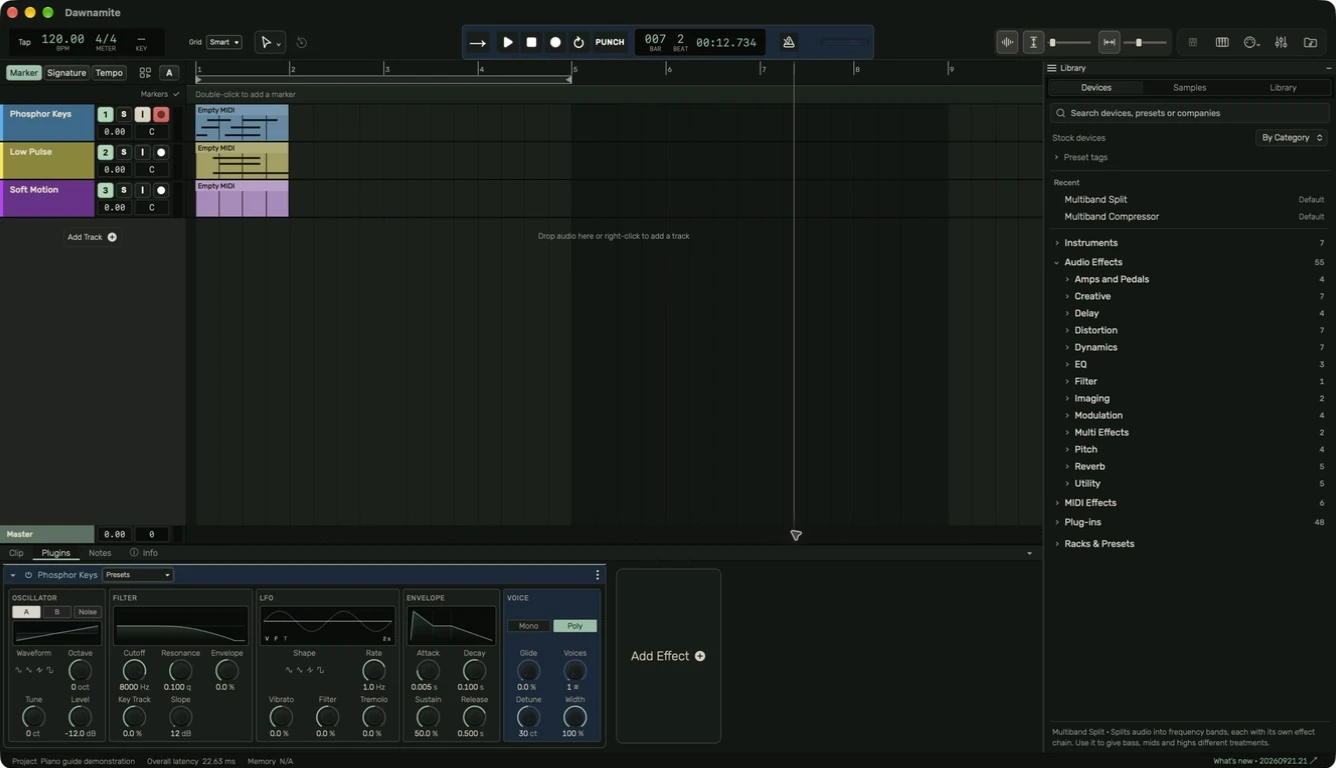
Start with one small project
Create a track, play some notes, add an effect, and save your work.
Start here
Editing
Arrange regions in time
Create, move, trim, duplicate and loop regions.
Arrangement tools
Choose a tool by name or use the current number shortcuts.
Tempo, meter, key & grid
Set the musical structure and snapping for your project.
Audio editing & fades
Work on timing and level while preserving your source.
MIDI regions & note editing
Draw a region, edit notes and use the song scale.
Piano view
Watch notes arrive at a full-width keyboard and adjust the view without losing space.
Connect & record
Audio interfaces & microphones
Connect an input, choose channels and hear the right signal.
MIDI controllers & keyboard
Get notes from a controller into an instrument.
Record audio or MIDI
Arm deliberately, record a take and check the result.
Takes & comping
Keep alternate performances and assemble a main take.
Sound & mix
Instruments & plug-ins
Build an effect chain and understand each stage.
EQ, compression & limiting
Learn what the common processors do and how to compare them.
Mixer & signal flow
Balance tracks, use sends and keep the output under control.
Prepare a final mix
Check the mix, export it and listen to the actual file.
Automation & modulation
Make a parameter change over time, then edit its points.
Library, devices & samples
Find a sound without opening every category.
Reference
Settings & appearance
Configure audio, MIDI, editing, shortcuts and the workspace.
Save, reopen & export
Keep editable projects and deliver audio for listening.
Troubleshooting
Trace a problem from the source to the output.
Keyboard shortcuts
Current defaults, with the editor context made explicit.
Licenses & acknowledgments
Separate product identity from third-party rights and notices.
Stock-device reference
Look up an instrument, audio effect, or MIDI effect in the navigation. Each entry explains its purpose and current controls.
Guide for the macOS development build. For changes between versions, see update history. Public installers and final system requirements are not available yet.